Blog → Inside the Galaxy Note20 Ultra
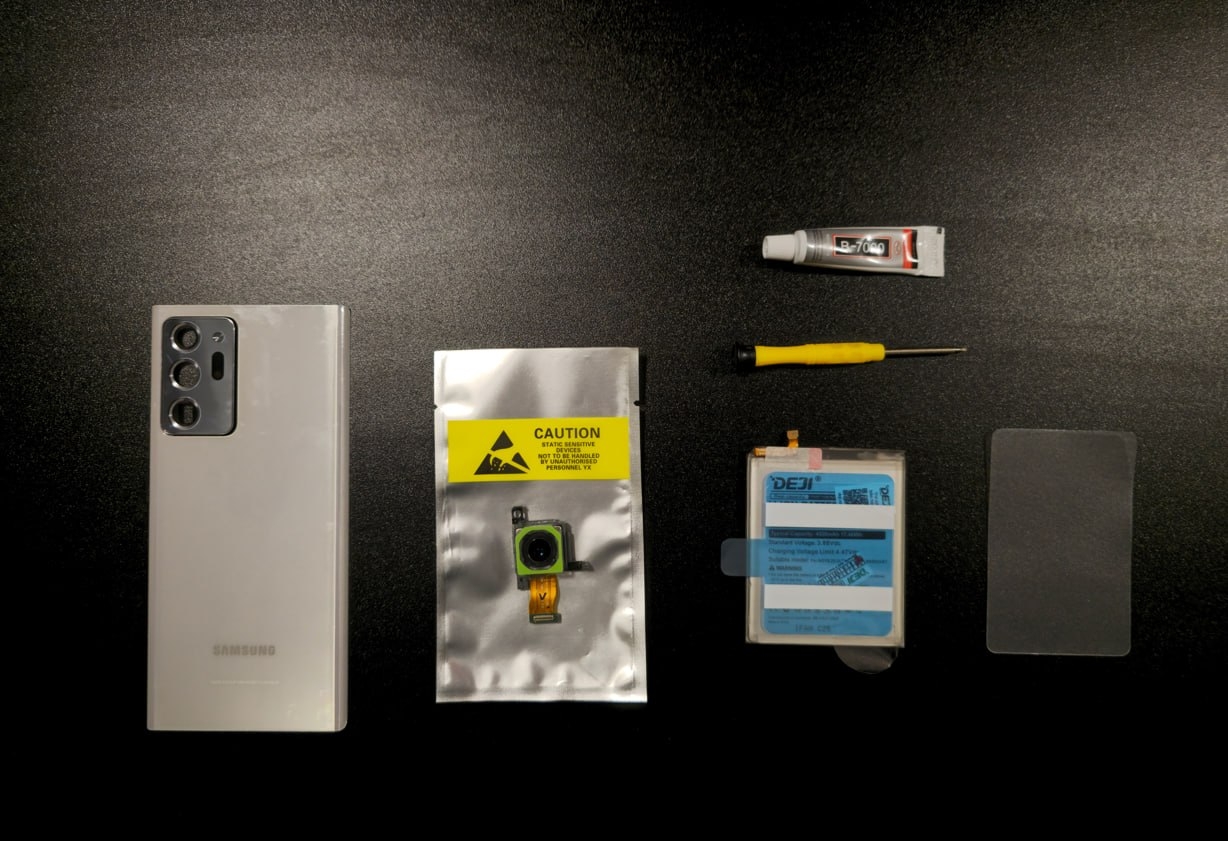
I brought a tired
How to take apart and put together the
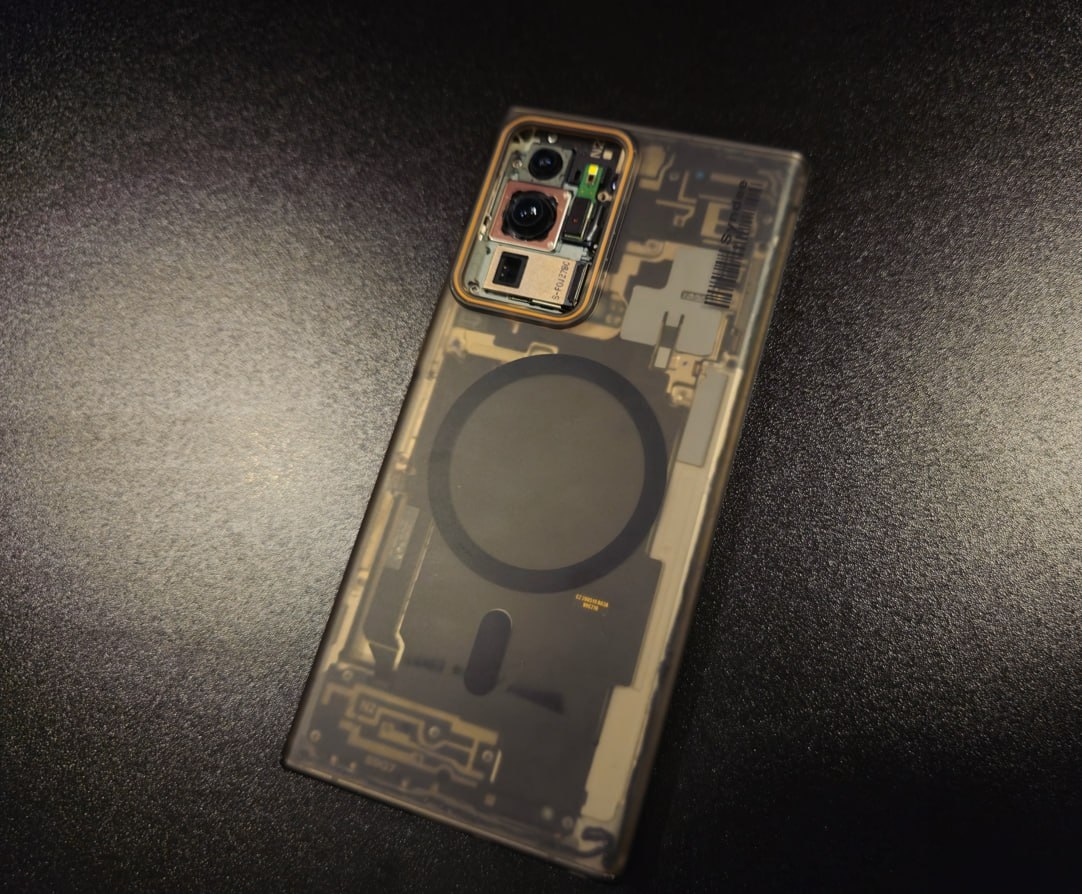
The battery swelled only a little, but that was enough for cracks to run across the glass. So the back cover was removed and, until the repair, replaced with a clear case. Looks quite nice.
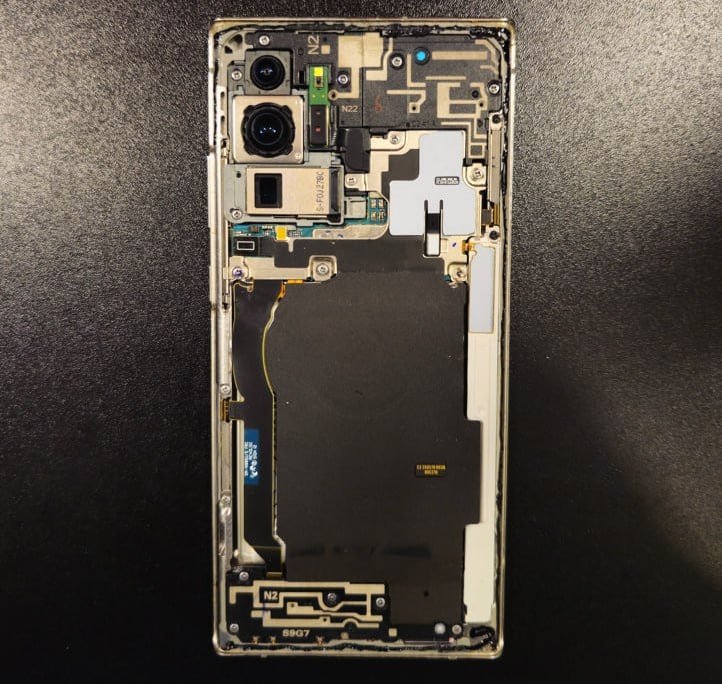
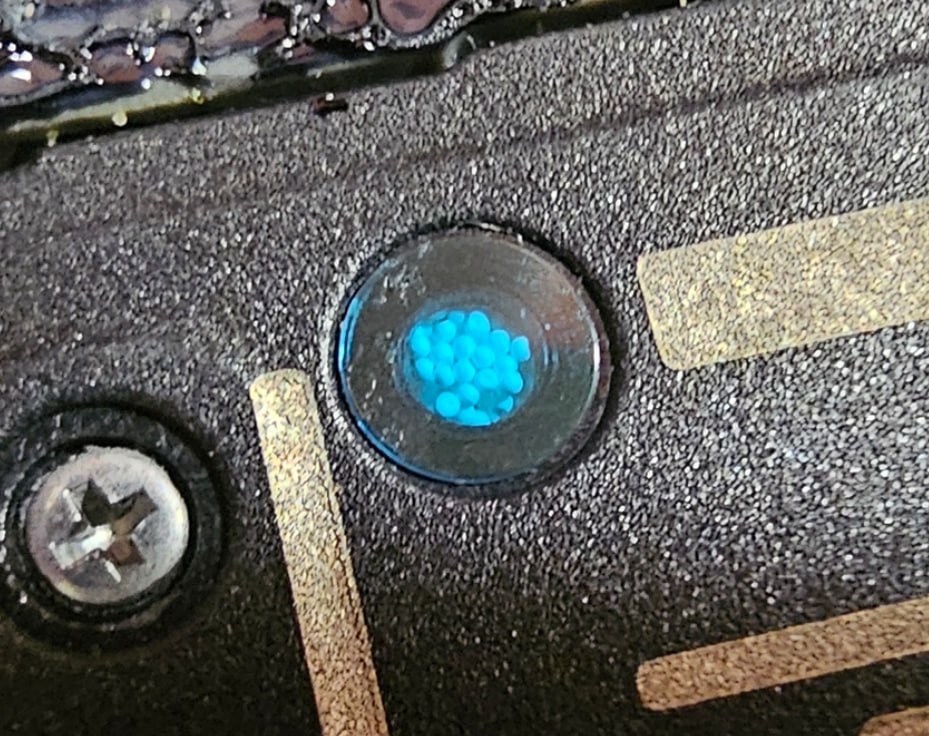
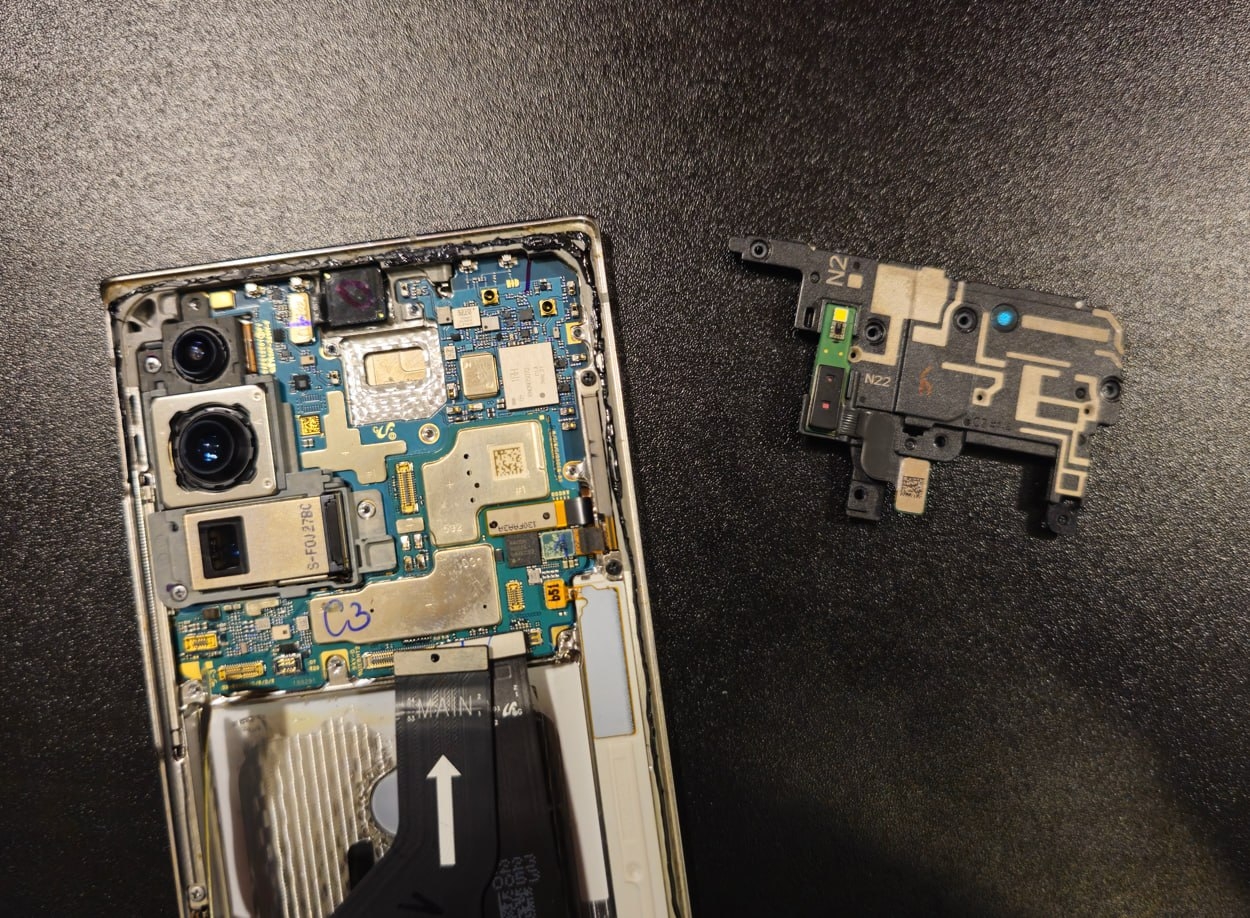
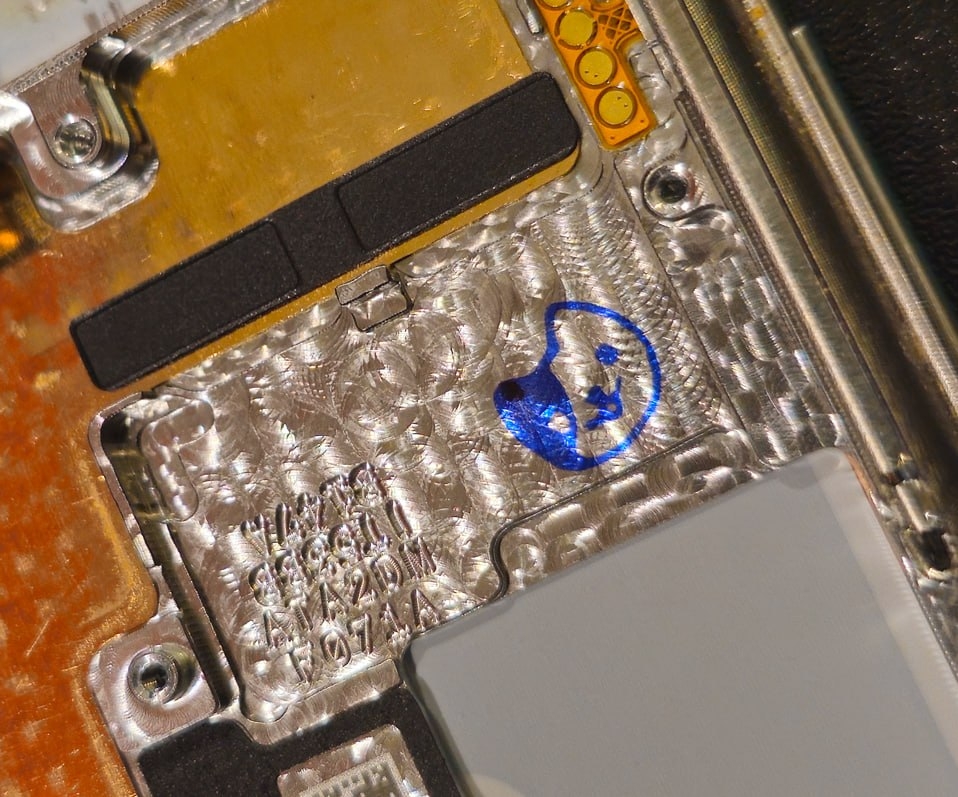
The blue circle that catches the eye on the top speaker module is a sealed chamber filled with sound-absorbing balls. They damp unwanted resonances, increase the acoustic volume and make the sound deeper.
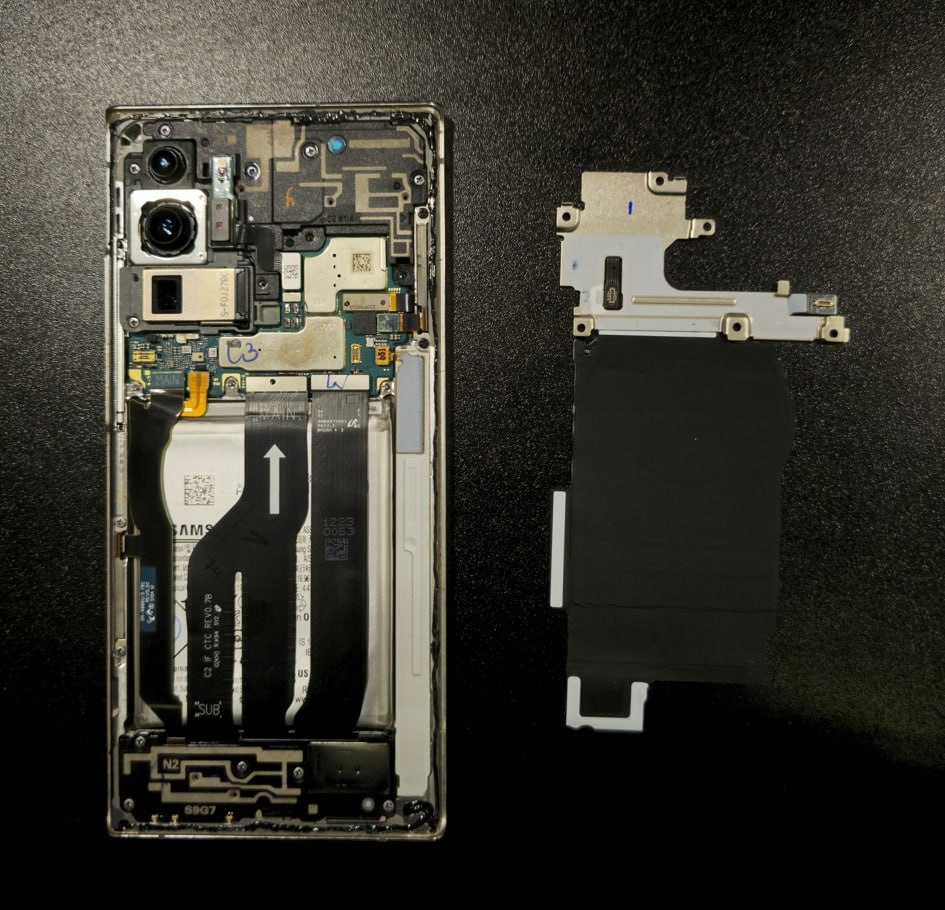
We remove the mainboard shield with the wireless charging coil and count the flex cables. Everything here looks much more serious than in the
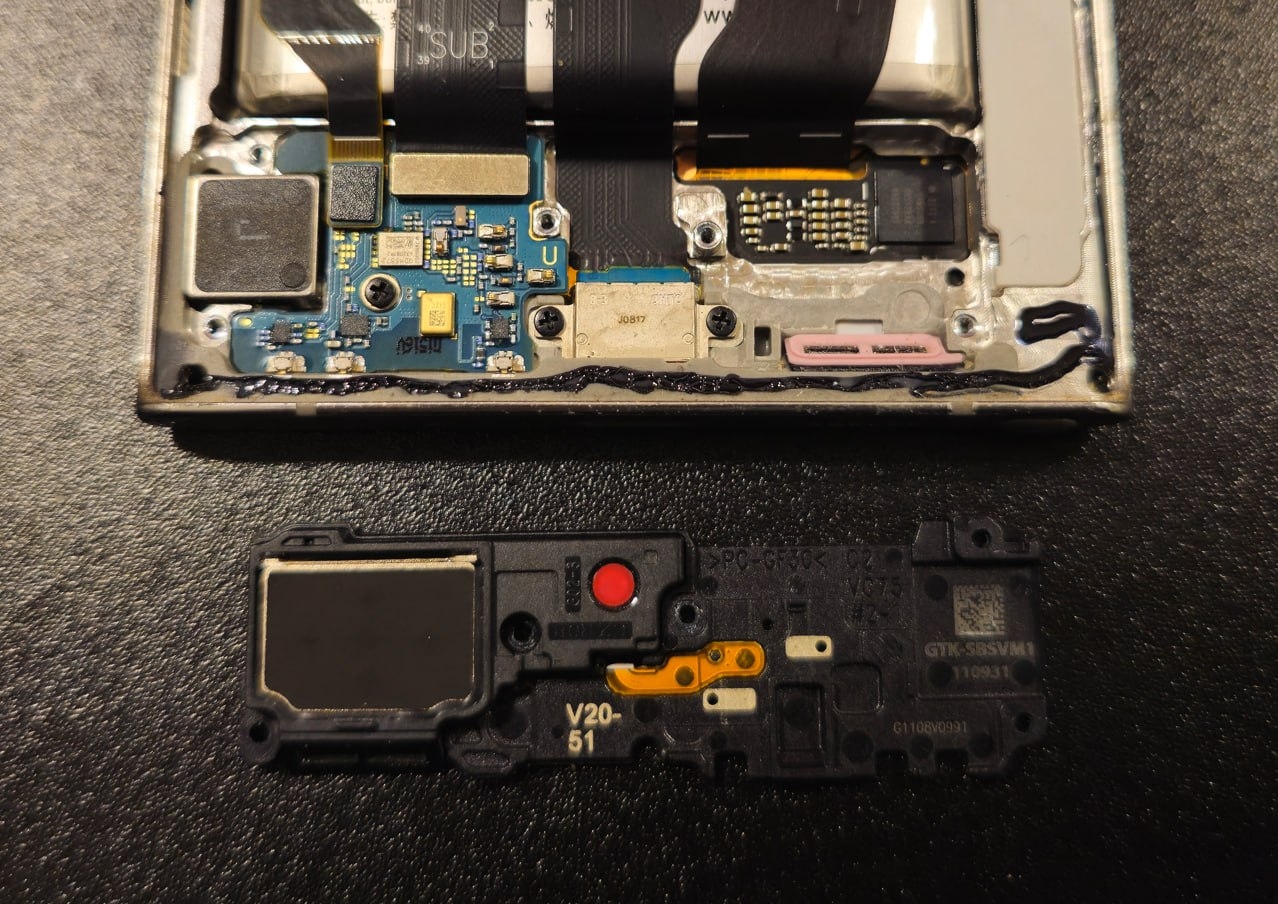
With the bottom speaker removed, you can see that the battery started to get indecently fat at the bottom. Over time, it would probably have pulled the connectors out of their sockets.
N.B. The battery is very soft. While taking it out, you can support it with a spudger, but never pry or press with it.
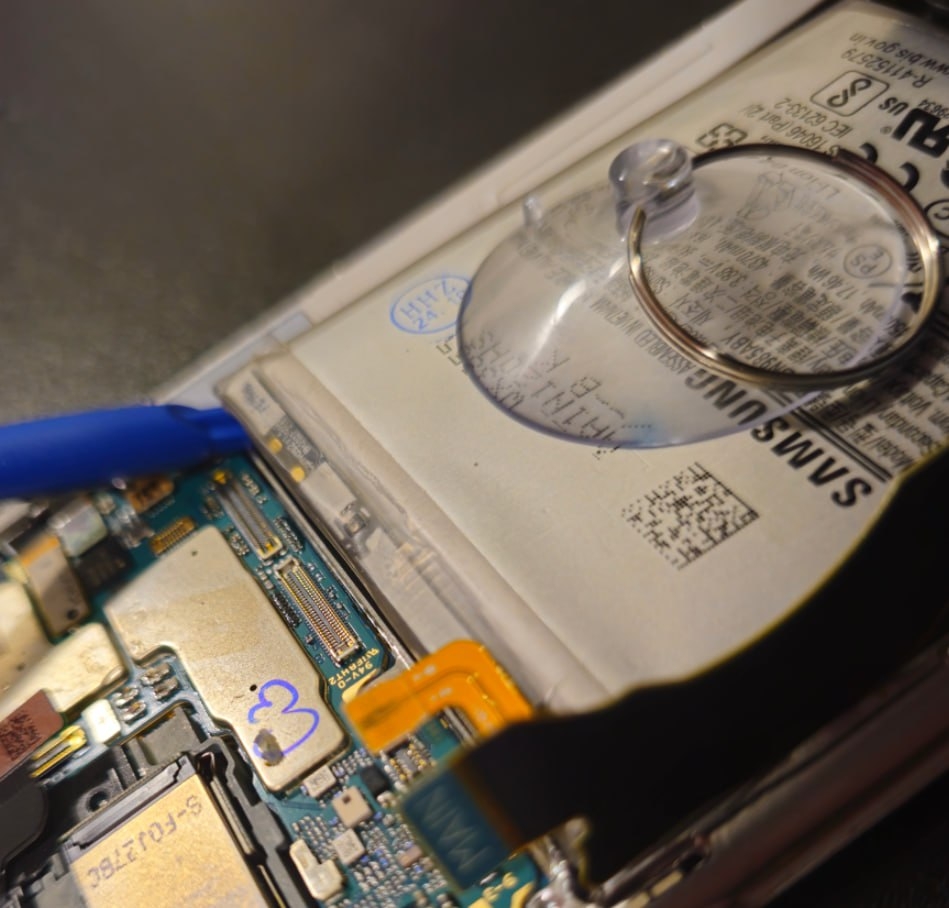
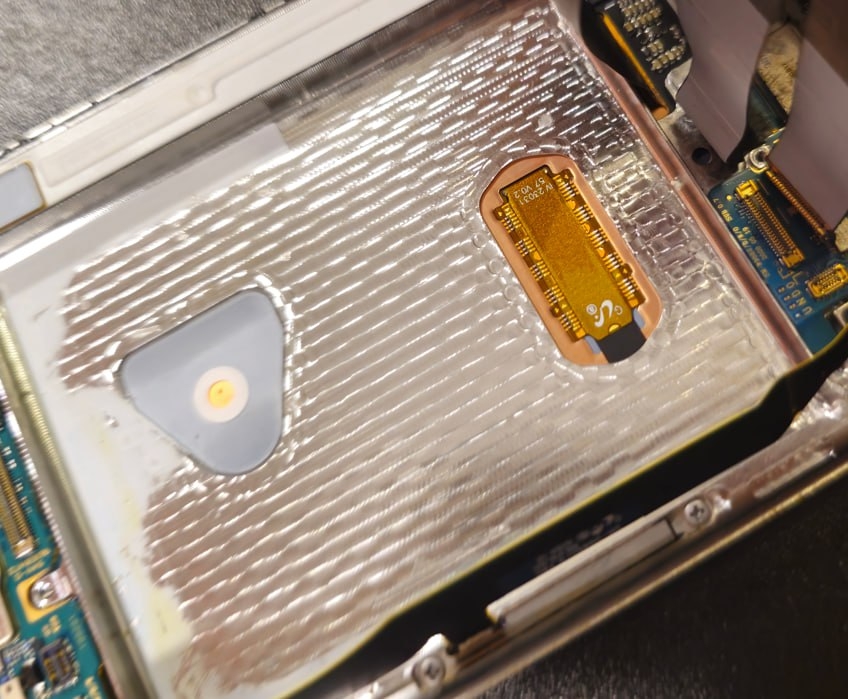
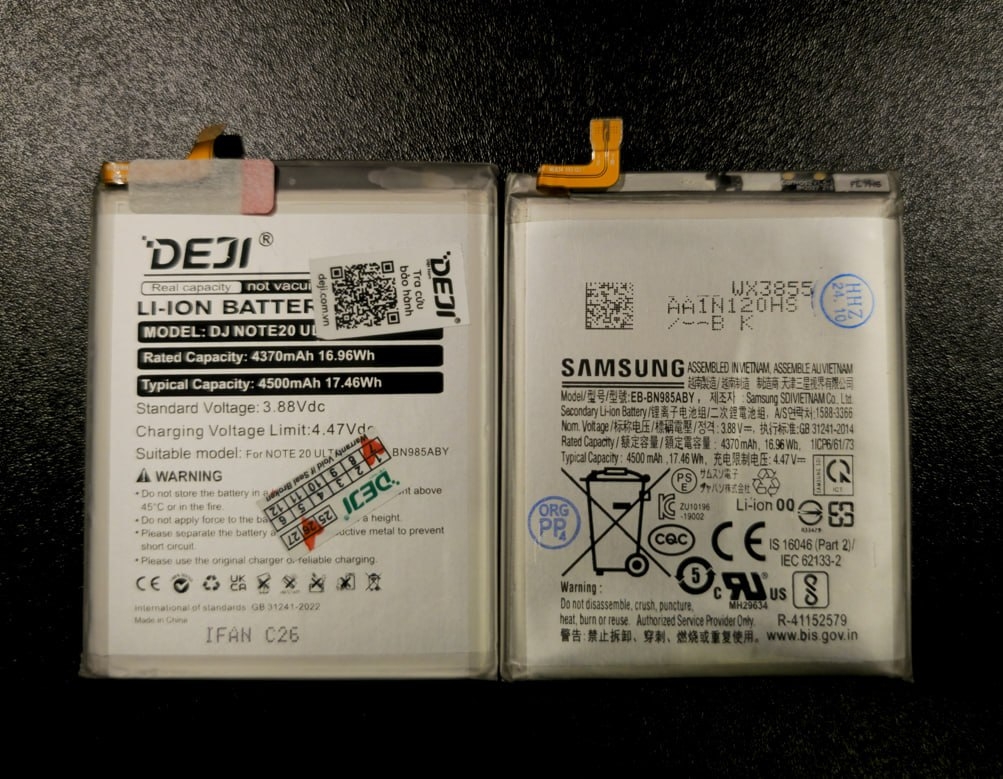
You can still buy a new original battery for the
Now the camera. First, we remove the top speaker and get access to the mainboard.
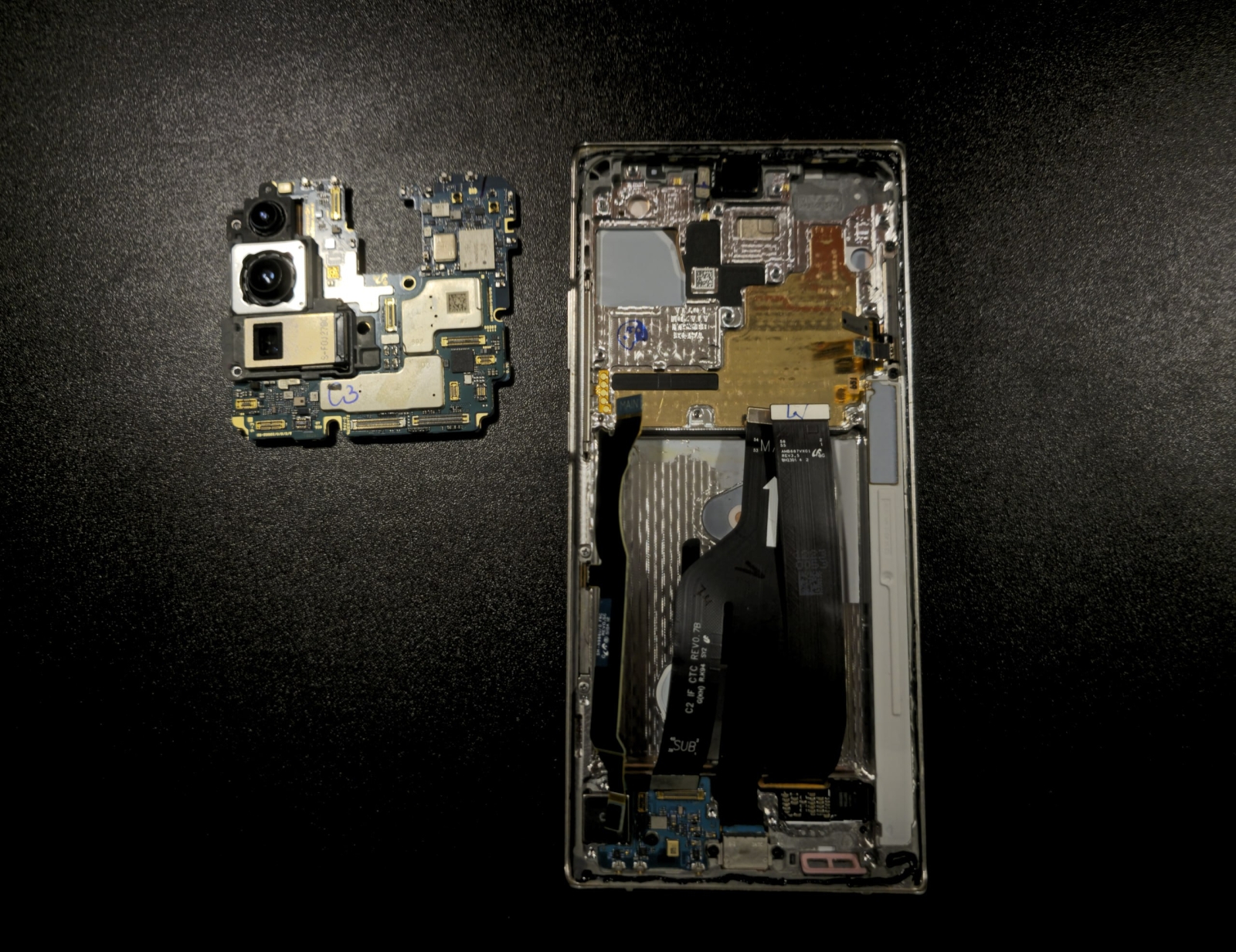
The mainboard comes off too...
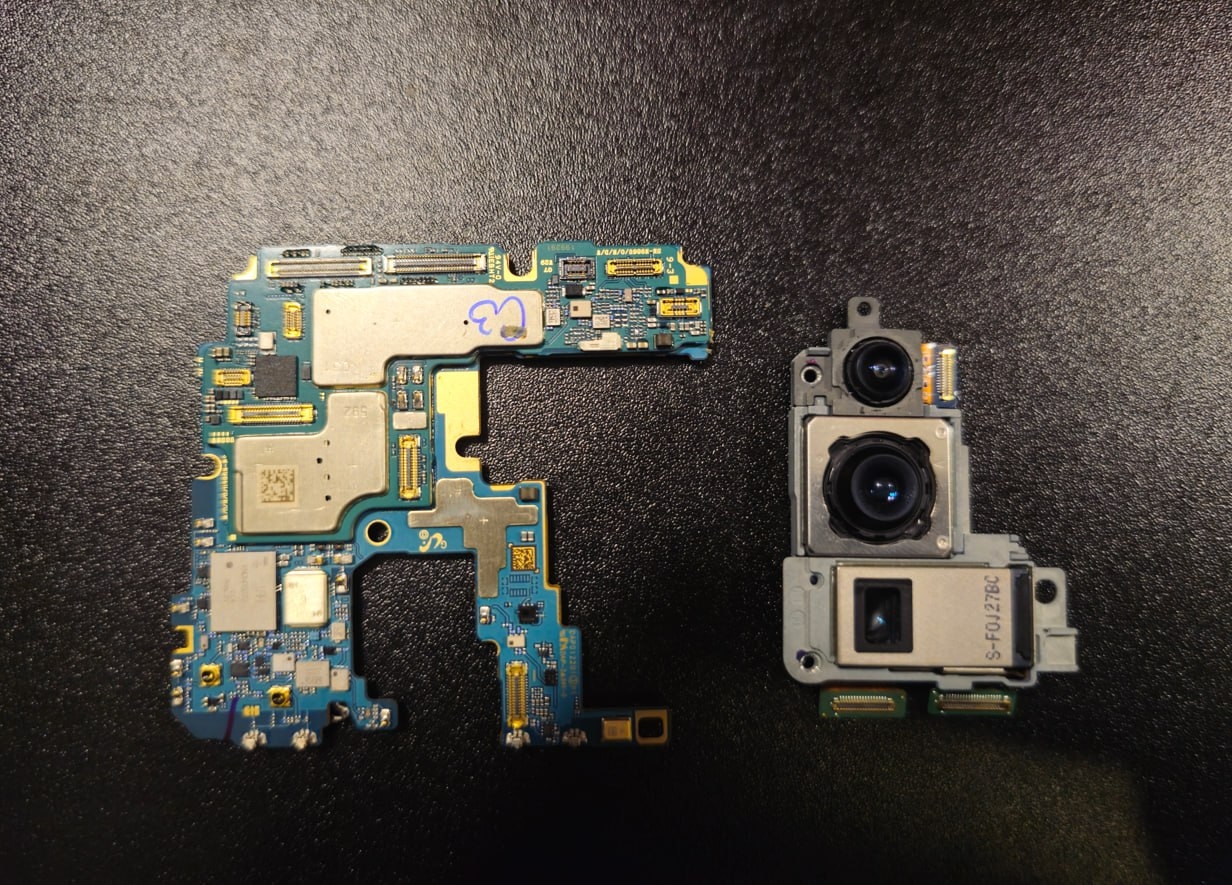
... and we find out that, apart from the flex cables, the camera block is held to it by a microscopic amount of double-sided tape.
Since the main module needs replacing, we take apart the whole block.
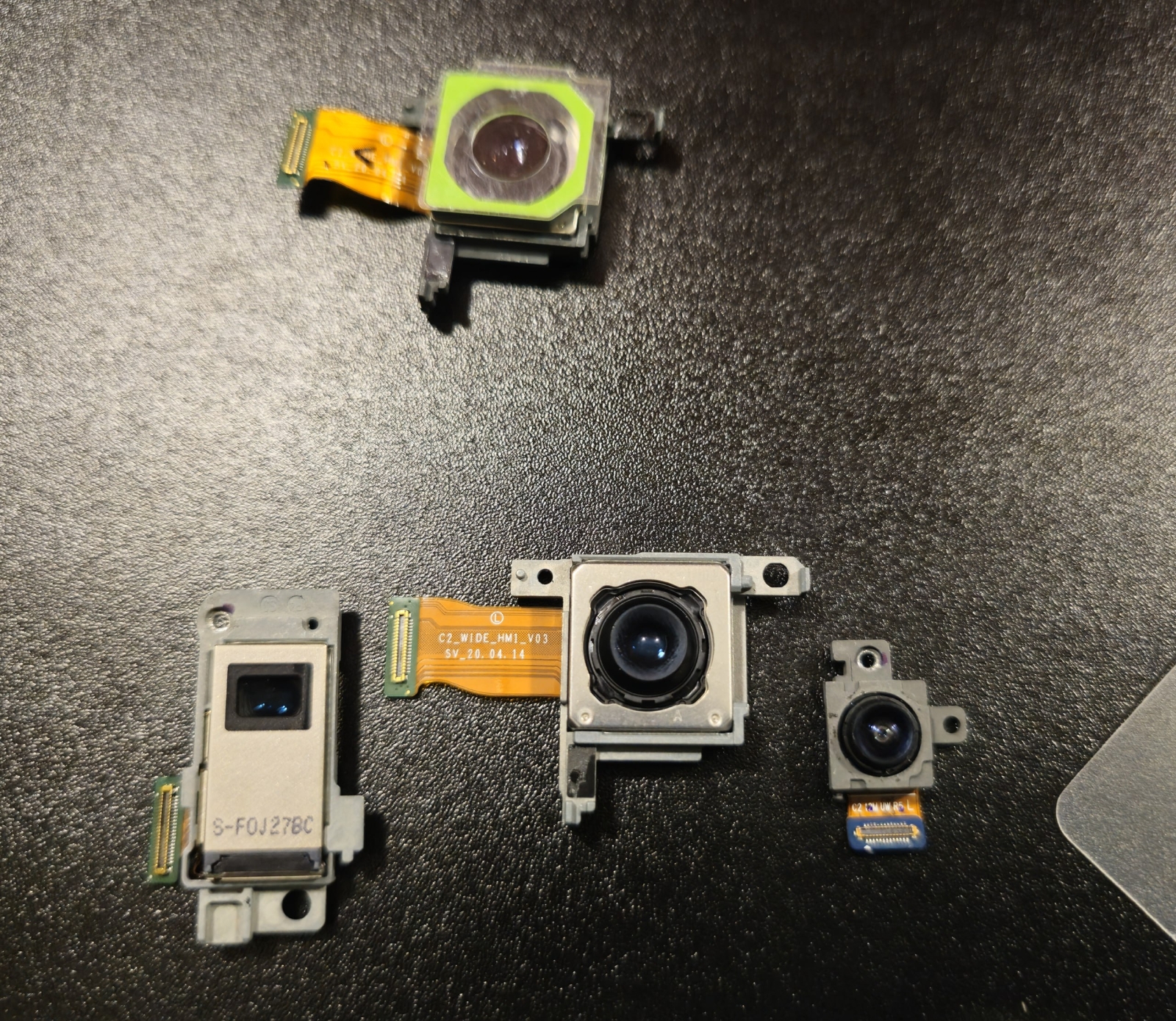
We put the block back together with the new camera.
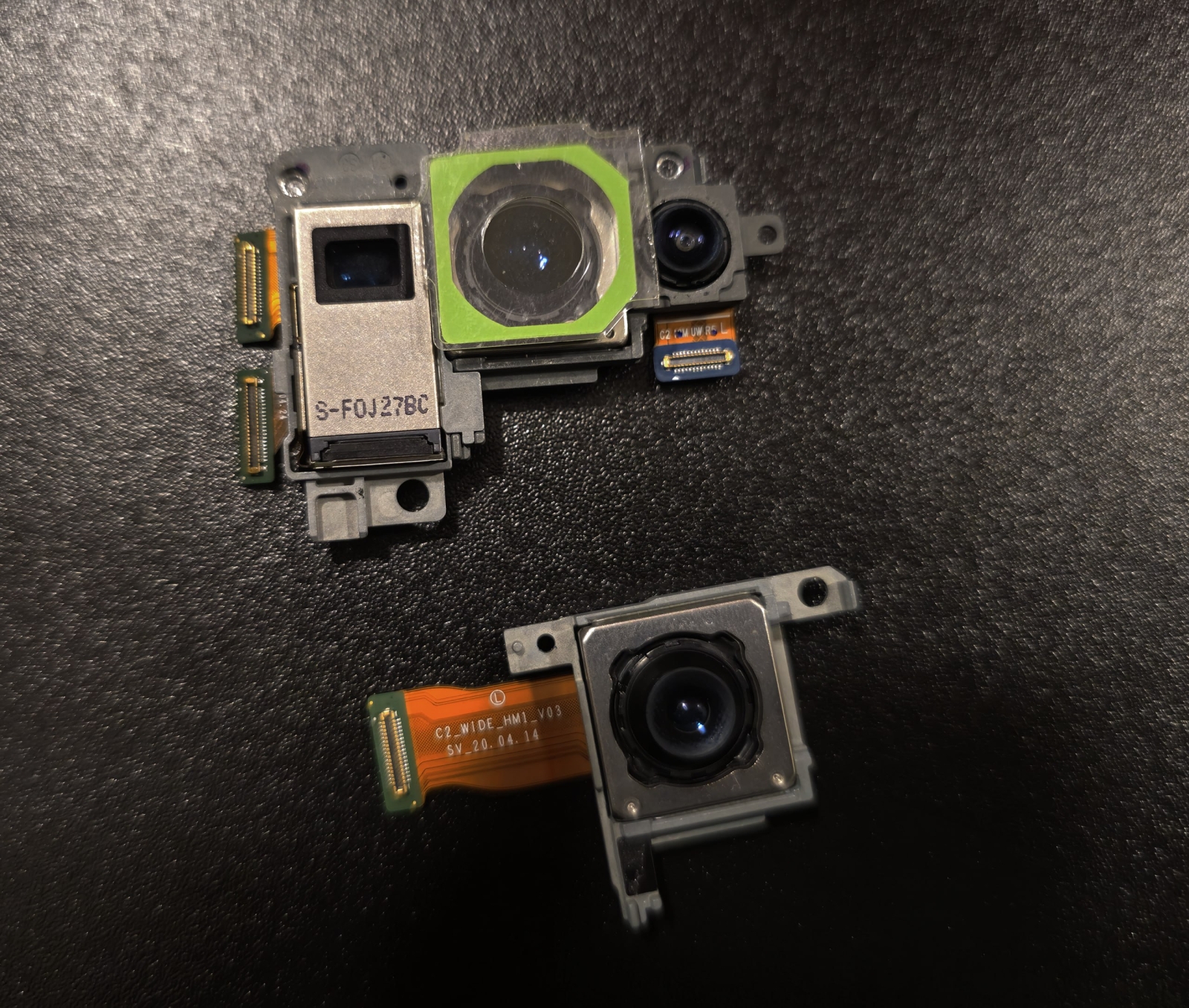
Then everything goes in reverse order: the camera block goes onto the mainboard, the mainboard – onto the chassis. Along the way, we install the new battery and return the speaker modules, flex cables and the charging coil.
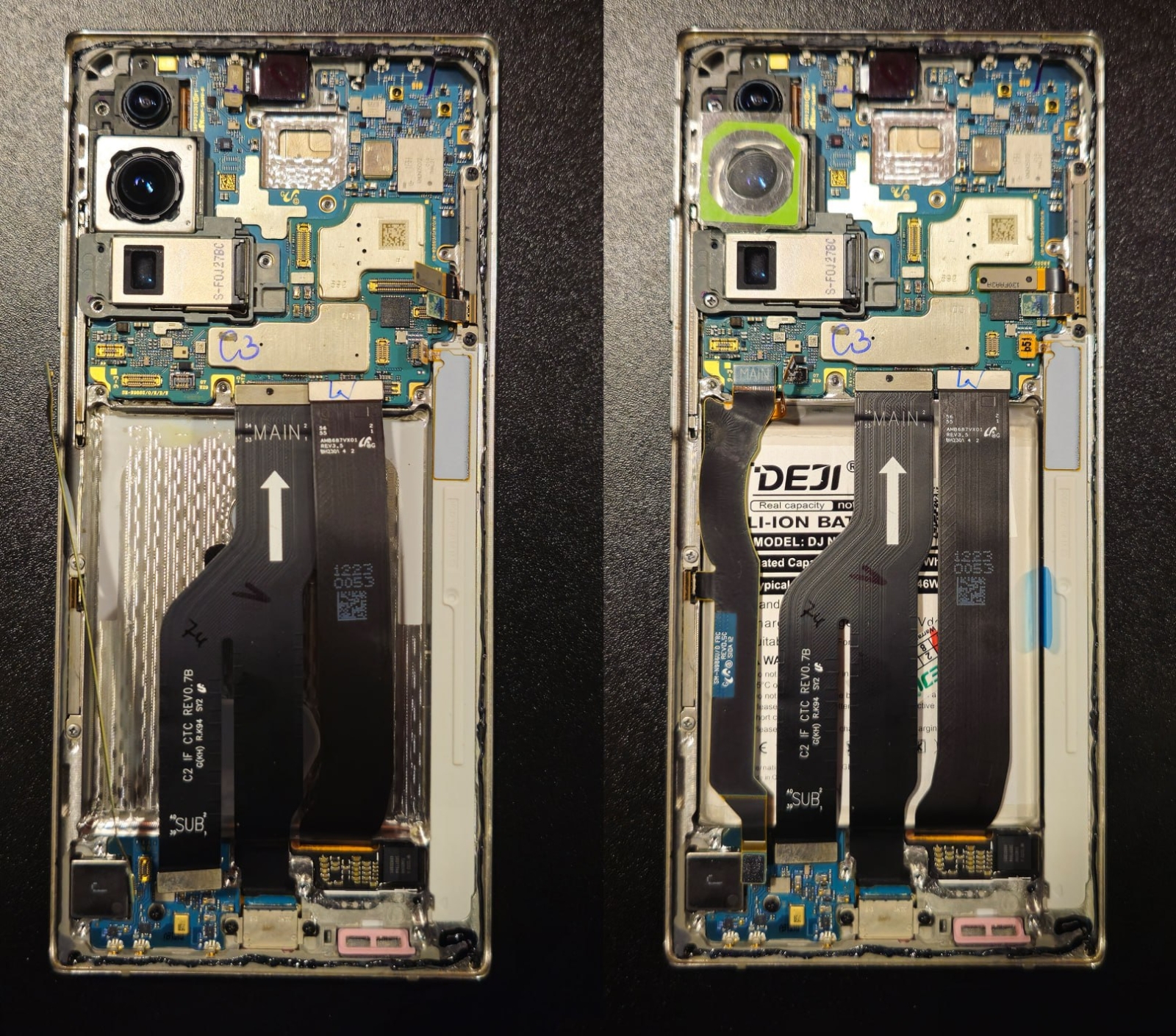
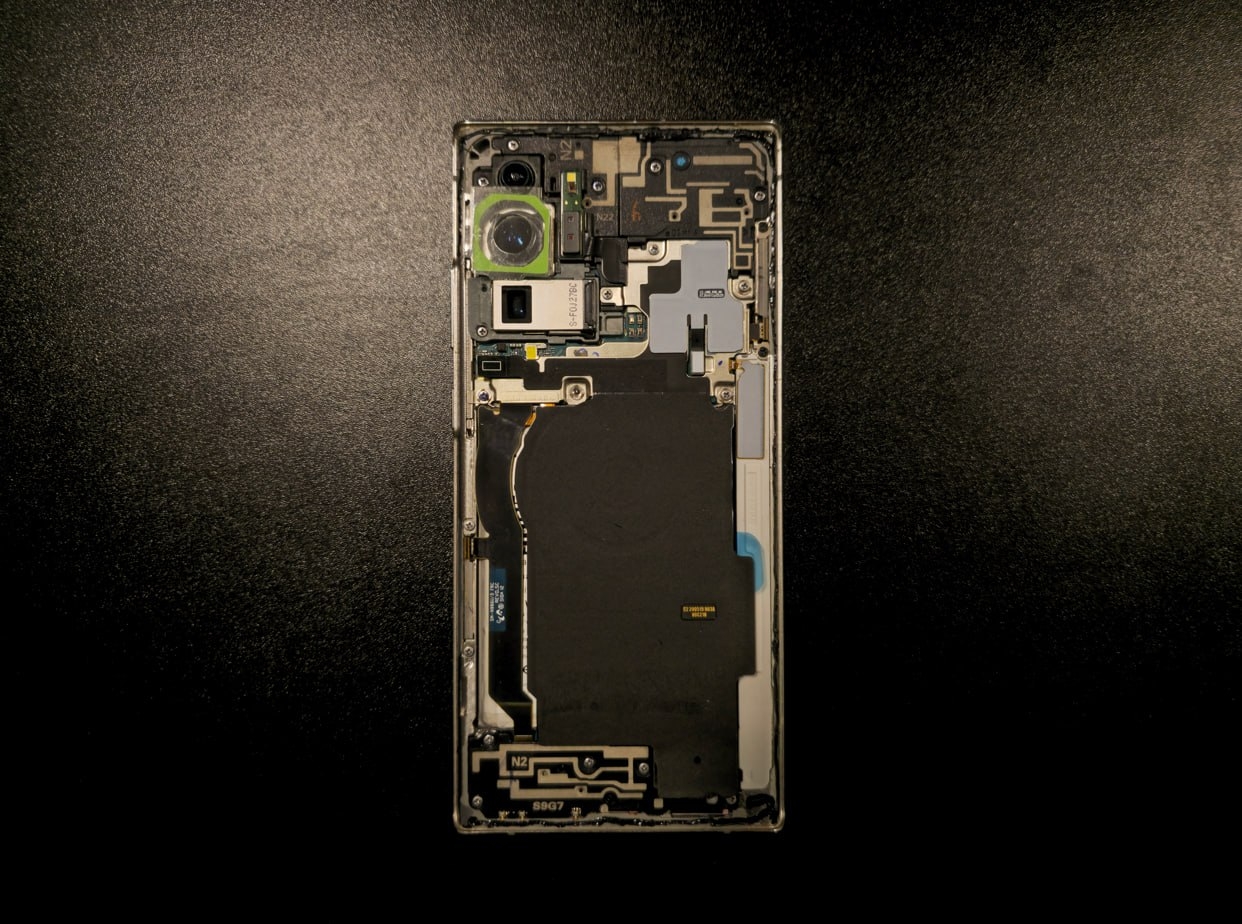
The test run showed that everything is fine: the battery is alive, the camera focuses, all flex cables are connected.
What’s left is the back cover assembly. Yes, yes, the cover itself needs to be assembled – the camera frame is glued into it, and a tiny microphone must be glued into the camera frame first. It has no flex cable, but it has
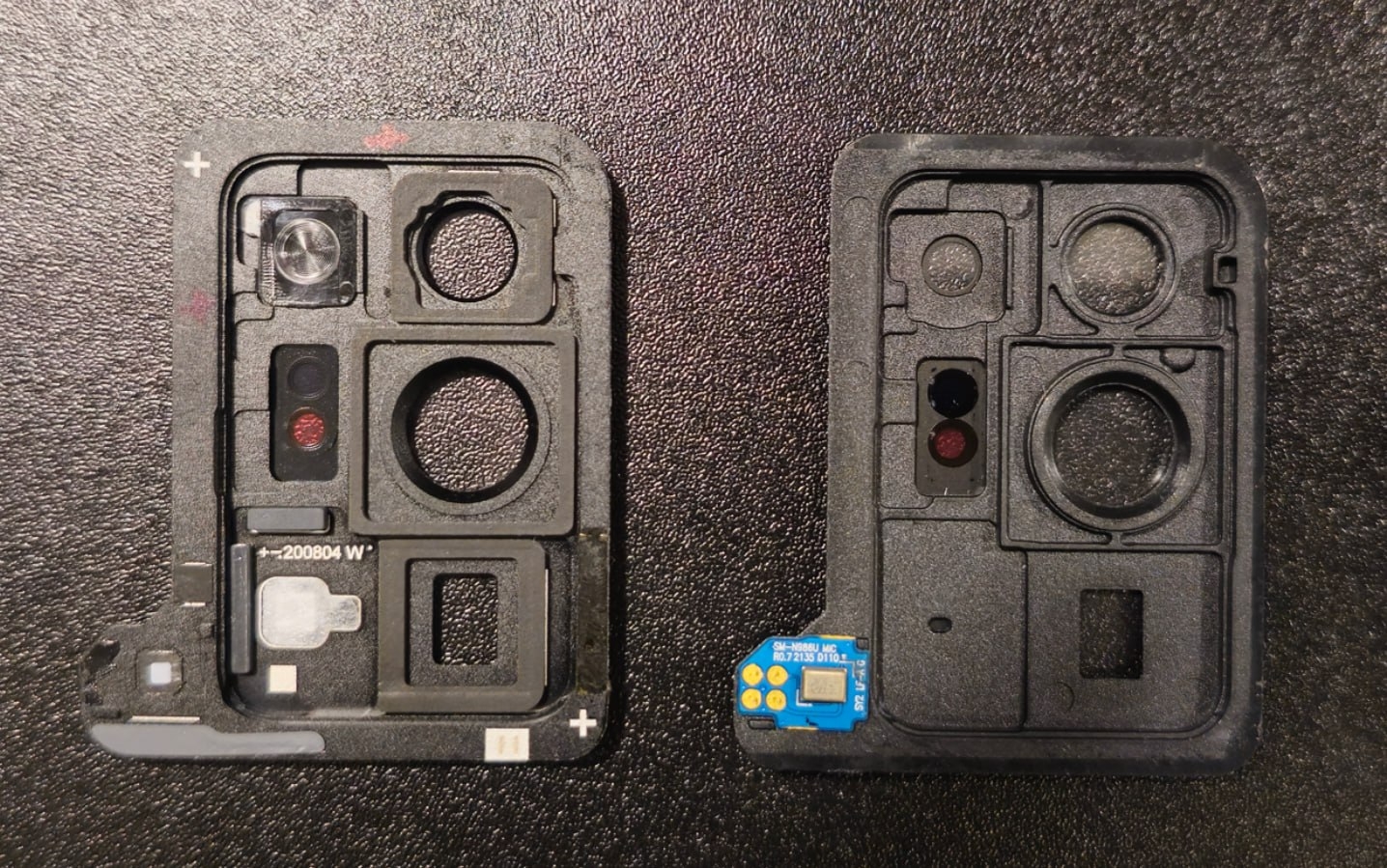
If you look closely, you can notice that the new frame, unlike the old one, is original. It has a proper flash lens, seals and plugs. Only the microphone is missing, but moving it is a one-minute job.
For now, the assembled cover is held with
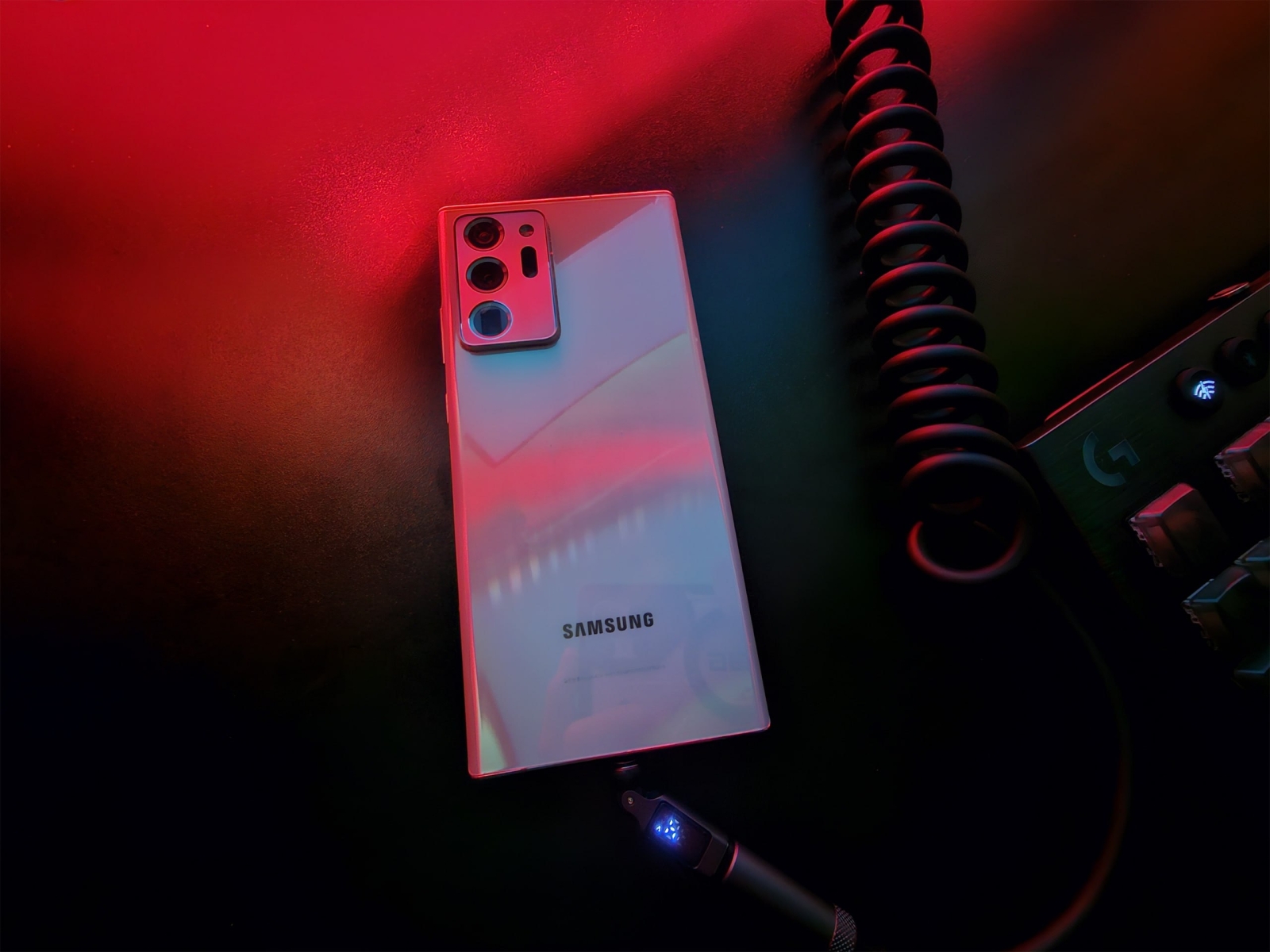
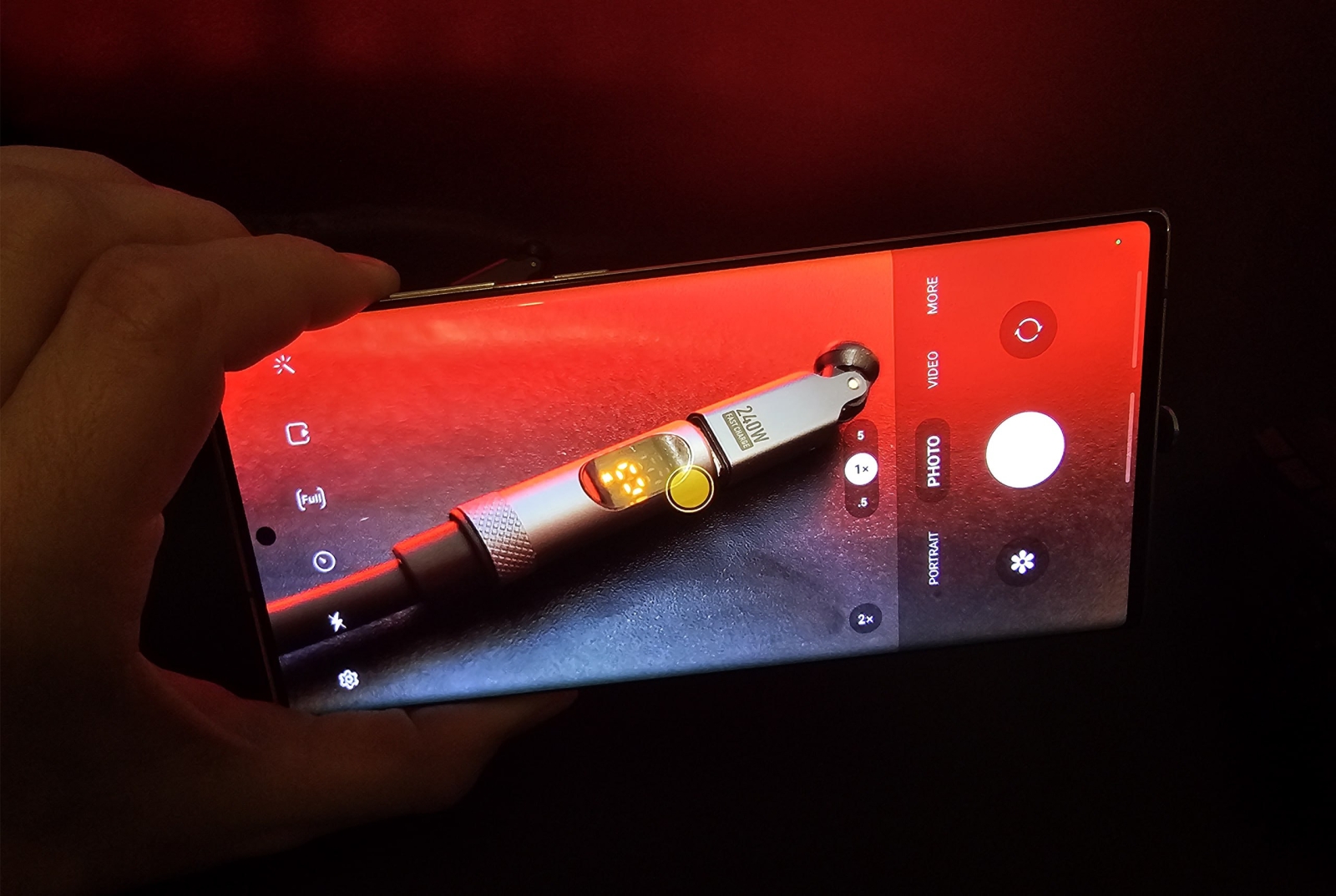
The camera knows how to do macro again. The battery holds the charge.