Blog → Reviving the Unihertz Titan Slim

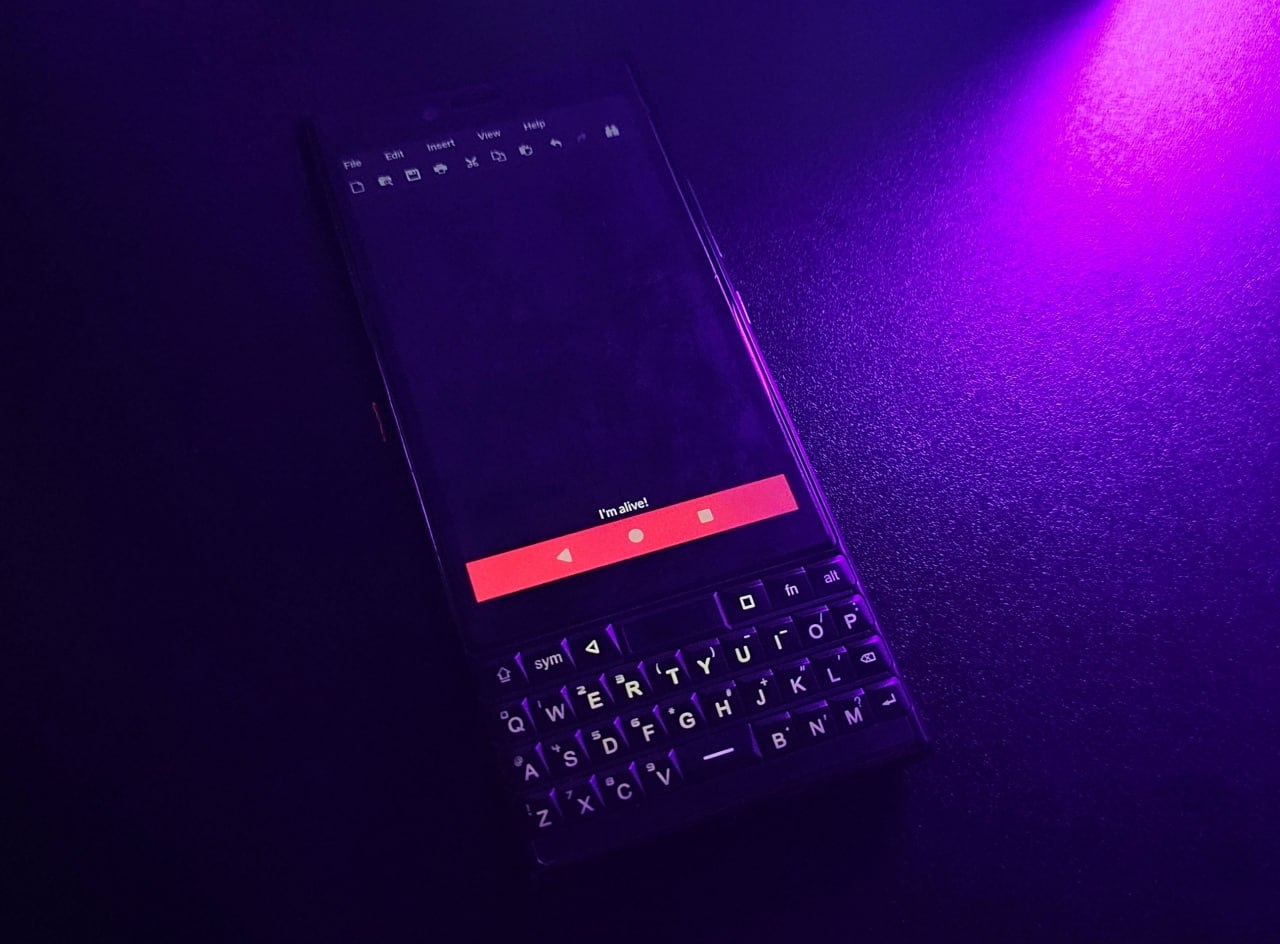
I successfully revived the
To get to the battery, I had to heat up and pry off the glued back cover, remove two more panels held by 11 PH00 screws, and disconnect the side buttons cable. If you don’t hurry, the whole thing takes about 10 minutes. There’s nothing hard in this process, but there are two things better to know in advance.
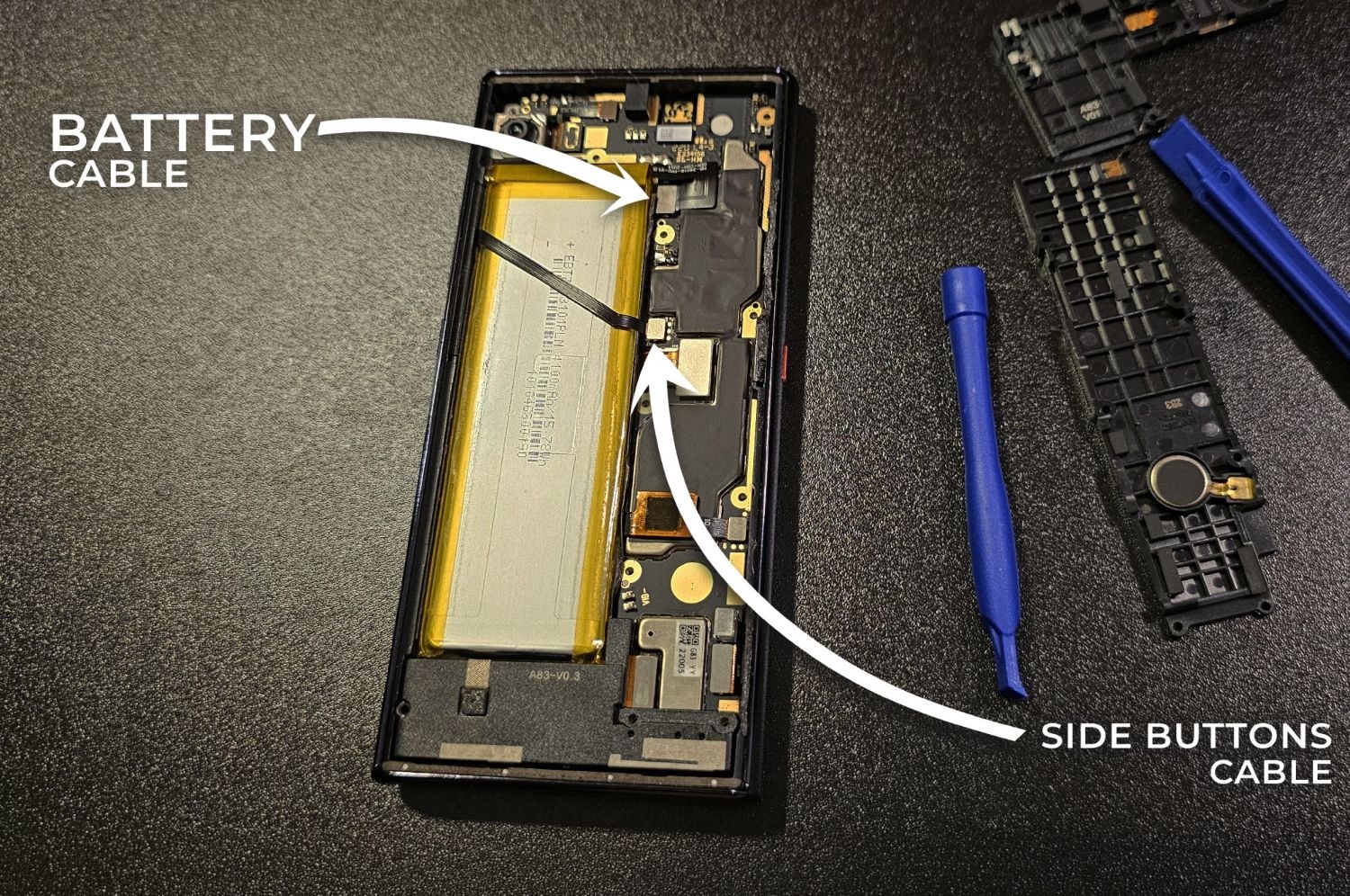
First, don’t turn on the phone right after replacing the battery and connecting the cables. Instead, connect the charger and wait a couple of hours. The thing is, the new battery may be deeply discharged (even if the charging screen shows some percent), and then the power controller won’t react to the power button – not enough voltage. Or it will start the bootloader, but the voltage will drop critically while the OS is booting; we don’t need that either.
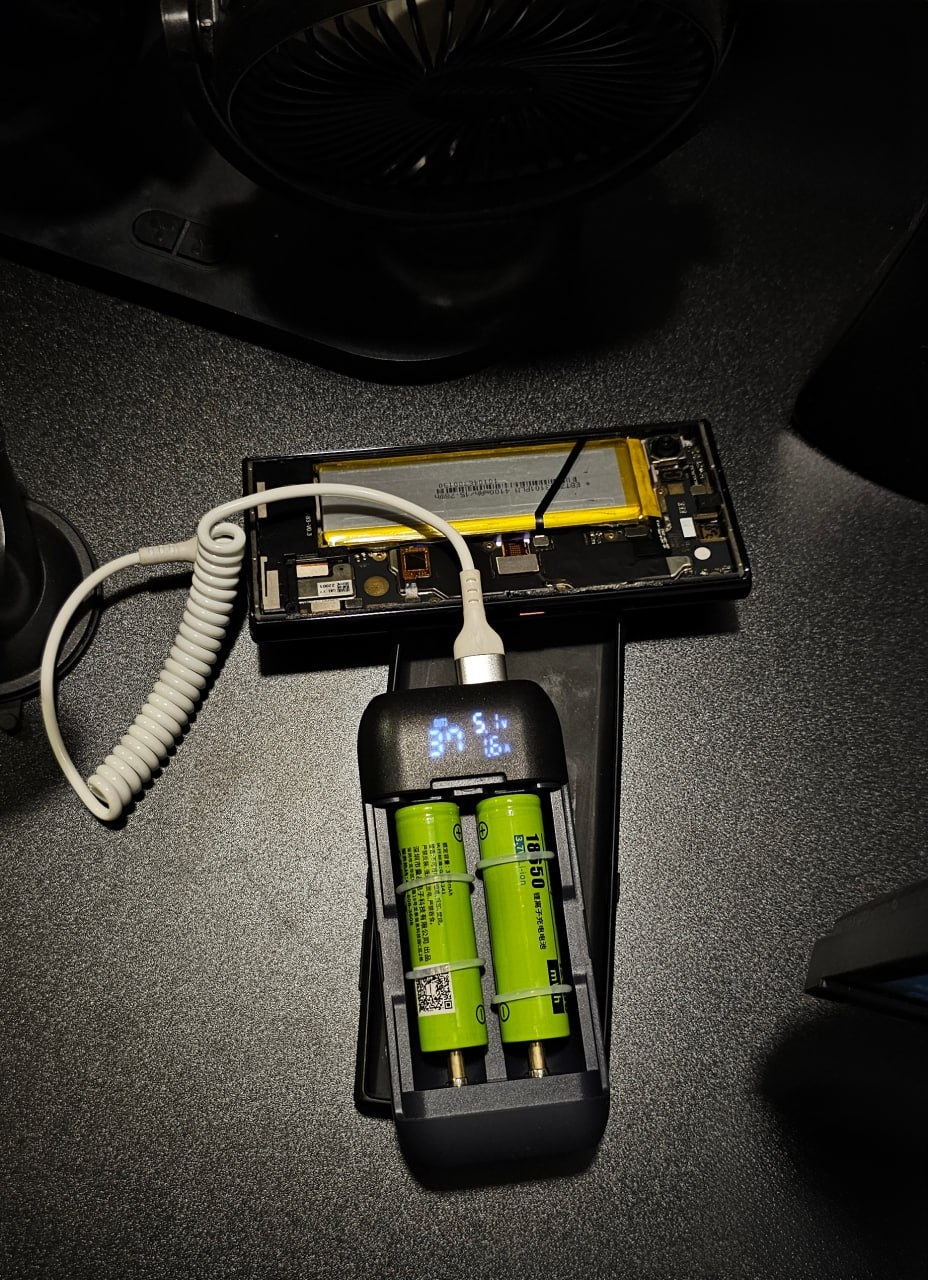
Second, when the battery is surely charged at least to half, disconnect the charger, screw the panels back and check that the side buttons cable has contact – does the phone turn on, does the volume change. Only after that you can glue the cover back.